

The safest way to run multi account LinkedIn outreach is workspace-level isolation paired with per-account rate limits, not shared logins or spreadsheet juggling. We recommend evaluating HeyReach, Kanbox, Salesforge, Expandi, and Kondo first, since each separates sender identity, IP, and device fingerprint while tracking acceptance rates and pending invites before LinkedIn ever flags an account.
TL;DR:
- Workspace-level isolation and consistent IP pairing are essential to prevent flagged accounts and support large-scale outreach.
- Automated signals like declining acceptance rates and increasing pending invites should be monitored daily during campaigns for early risk detection.
- Different platforms offer tailored features for agency needs, with some emphasizing safety dashboards and others focusing on inbox management or automation.
- Proper setup involves assigning each sender a dedicated profile or workspace, pairing it with a stable IP, and gradually warming up accounts before full outreach.
- Running a pilot campaign with strict caps and clear monitoring helps identify the best platform and setup for specific agency or team requirements.
Table of Contents
- Shortlist and Comparison of Leading Multi-Account Platforms
- Setup Options: Workspace Isolation, Browser Profiles, and IP Handling
- Safety Signals and Monitoring: What to Track and When to Act
- Tools and Feature Deep Dive: Practical Workflows Per Platform
- Decision Framework, Vendor Questions, and Pilot Checklist
- Lessons From Running Outreach Across Many Accounts
- A Related Way to Reduce Outreach Pressure Entirely
- FAQ
- Partner and Technical Resources Referenced
Shortlist and Comparison of Leading Multi-Account Platforms
Agencies running five senders have different needs than ones running fifty, and the right platform depends on where you sit on that curve. A small agency testing the waters usually needs fast account switching and a clean inbox. A growth agency juggling a dozen clients needs role-based access so account managers cannot access each other's campaigns. An enterprise operation needs audit trails, IP controls, and safety dashboards that catch a drifting acceptance rate before it becomes a restriction.
HeyReach was built with agencies in mind, offering workspace isolation and dashboards that surface sender safety signals rather than making teams dig for them. Kanbox leans into a dashboard-first design, with instant switching between profiles and a unified inbox that keeps replies from scattered accounts in one place. Salesforge focuses on scaling outreach sequences and templates across many sender accounts at once, which suits teams running similar campaigns for multiple clients. Expandi offers cloud-based automation with per-account campaign templates, a common pick for agencies that want outreach running without a local machine staying on. Kondo narrows in on inbox organization, filtering conversations across senders so reps are not hunting through tabs.
| Platform | Best for | Isolation/security | Automation capability | Team access & roles | Pricing shape | Unified inbox |
|---|---|---|---|---|---|---|
| HeyReach | Agencies needing workspace isolation and sender monitoring | Workspace-level isolation, safety signal dashboards | Multi-account campaign automation | Role-based team access | Entry tier scales to agency plans | Yes |
| Kanbox | Teams prioritizing fast switching and centralized messaging | Profile-level separation | Light automation, switching-focused | Shared team dashboard | Entry tier for small teams | Yes, centralized |
| Salesforge | Organizations scaling sequences across accounts | Per-account sending controls | Sequence automation across senders | Team-level sequence management | Scales with sender count | Partial |
| Expandi | Agencies wanting cloud automation with per-account campaigns | Cloud-based account separation | Campaign templates, cloud automation | Agency-level account grouping | Per-account pricing at scale | Partial |
| Kondo | Teams needing strong inbox organization across senders | Account-level inbox separation | Limited, inbox-focused | Basic team sharing | Entry-level focus | Yes, filtering-based |
A few patterns stand out once you line these up. HeyReach and Expandi both lean agency-first, but HeyReach puts more weight on visible safety signals while Expandi leans on campaign templates. Kanbox and Kondo both compete on inbox experience rather than automation depth, which makes them lighter lifts for teams that mainly need to stop losing replies across accounts. Salesforge sits apart as the sequence-scaling specialist, useful when the bottleneck is campaign variety rather than account management itself.
- Platforms built around workspace isolation reduce the chance that one flagged sender drags down the rest of the team's accounts.
- Unified inbox features save real time but can mask which specific sender account is carrying risk if the dashboard does not break out per-account metrics.
Setup Options: Workspace Isolation, Browser Profiles, and IP Handling
Tool-based workspace isolation separates each LinkedIn sender into its own environment: a distinct browser session, cookie store, and often its own assigned IP. This matters because repeated logins to different accounts from the same browser session create a pattern LinkedIn's systems are built to notice. A shared browser profile logging into five accounts in one afternoon looks nothing like five separate professionals going about separate days.
Browser profiles and container-based tools, along with Multilogin-style antidetect browsers, give you a lighter-weight version of the same idea. Each profile carries its own fingerprint data: screen resolution, time zone, language, and cookie history, so the account's session looks native rather than cloned. The tradeoff is that these tools require more manual setup and ongoing maintenance than a built-in multi-account platform, and they do not come with the safety dashboards that HeyReach or Kanbox provide out of the box.
IP handling follows a similar logic. A static office IP works fine for a small team working in one location, since LinkedIn expects a consistent location for a consistent set of accounts. Per-sender IP pools make more sense once you are running outreach for multiple clients from different regions, so each account's traffic matches a plausible location for that persona. Cautious, well-configured VPN use can bridge the gap for remote teams, but a VPN that routes multiple accounts through the same rotating exit node defeats the purpose of isolation entirely.
- Assign each sender account its own browser profile or workspace before the first login.
- Pair each profile with a consistent IP, whether a static office connection or a dedicated proxy.
- Decide your account assignment pattern: per-client senders for agencies with distinct client voices, per-rep senders for internal sales teams, or pooled senders for high-volume outbound where any rep can pick up a thread.
- Run a warm-up period before any outreach campaign begins, building light activity before sending connection requests at volume.
Pro Tip: Treat every new sender account like a new hire: give it time to build a believable activity history before asking it to carry real outreach volume.
Safety Signals and Monitoring: What to Track and When to Act
Four signals matter more than the rest: acceptance-rate trend, pending invite count, reply rate, and daily activity compared against that account's own baseline. A sudden spike in sent invites with a falling acceptance rate is the clearest early warning that a sender is drifting toward risk, well before LinkedIn takes any visible action.
- Check acceptance rate and pending invites daily during active campaigns, since these move fastest and signal trouble first.
- Review reply rate and activity-versus-baseline weekly to catch slower drift that daily checks might miss.
- Treat a falling acceptance rate alongside a rising pending-invite count as the signal to intervene, not a reason to wait for more data.
A documented automated outreach process includes defined warm-up, cadence control, and monitoring triggers before scaling volume, which is the backbone of a structured outreach rollout rather than an ad hoc one.
When a signal trips, work through an action ladder instead of panicking straight to a full stop: slow the campaign's daily invite volume first, pause outbound invites if the trend continues, move the active sequence to a healthier sender account, and rest the flagged account entirely if nothing improves. Conservative defaults beat aggressive ones every time here, and staying inside LinkedIn's own terms of service is the baseline, not an afterthought.

Tools and Feature Deep Dive: Practical Workflows Per Platform
Each platform earns its place in a stack for a different reason, and most agencies end up combining more than one rather than picking a single winner.
HeyReach's workspace isolation shows up most clearly when an agency runs outreach for several clients whose brand voice and target audience should never cross wires, and its safety dashboards give account managers a single place to watch acceptance trends across every sender. Kanbox's instant switching and unified inbox solve a narrower but real problem: the minutes lost every day moving between tabs to answer replies scattered across accounts. Salesforge earns its keep when the real bottleneck is campaign variety, letting a team run several distinct sequences across many senders without rebuilding each one from scratch. Kondo's inbox filtering is the right fit when the volume of replies, not the number of senders, is what overwhelms a team. Expandi's cloud automation removes the need to keep a local machine running campaigns around the clock, which matters once an agency's sender count climbs into the double digits. Botdog's sequence-driven automation suits teams still experimenting with outreach cadence across multiple senders before committing to a heavier platform. Buffer, built primarily for content scheduling, supports multiple LinkedIn profiles for publishing and light switching, which covers teams whose main need is consistent posting rather than cold outreach at scale.
- Campaign isolation keeps one client's messaging from ever touching another client's prospects, even when both run through the same agency stack.
- Unified inbox routing sends replies to the right account manager automatically, cutting the lag between a prospect's reply and a human response.
- Delegated teammate access lets a manager assign specific senders to specific reps without handing out shared passwords.
- Per-account daily limits, kept conservative during the first weeks of a new sender, prevent one aggressive campaign from triggering a review across the whole stack.
A simple switcher like Kanbox or Buffer is enough when a team runs five or fewer senders with similar needs. A full agency platform like HeyReach or Expandi earns its cost once you are coordinating many accounts across different clients with different risk tolerances.
Decision Framework, Vendor Questions, and Pilot Checklist
Match the platform to four axes: team size, outreach volume, security needs, and budget. A small team running light volume rarely needs the same isolation depth as a large multi-sender agency operation.
- Ask every vendor how isolation actually works: dedicated IPs, browser fingerprinting, or simple account separation without IP controls.
- Confirm OAuth-based connections rather than shared password logins, since OAuth limits what the tool itself can see and do.
- Ask how daily caps are set and whether they adjust automatically as an account ages past its warm-up period.
- Request a sample report and confirm data export methods before signing anything longer than a month.
Run a pilot with one team and strict caps, tracking connect rate, reply rate, acceptance trend, and pending invites throughout, a method echoed in agency scaling guidance for outreach automation. Watch for pricing red flags too: long-term contracts with no exit clause, per-seat pricing that balloons past a handful of senders, and vendors unwilling to explain their IP-handling model in plain terms.
| Decision axis | What to check | Red flag |
|---|---|---|
| Team size | Fits current and near-term sender count | Pricing jumps sharply per added seat |
| Outreach volume | Daily caps match your realistic targets | No visible per-account cap settings |
| Security needs | Isolation model explained clearly | Vague answers about IP or fingerprinting |
| Budget | Month-to-month option available | Long lock-in contract required upfront |
Lessons From Running Outreach Across Many Accounts
We once let two client campaigns share a warm-up window on the same platform, and a dip in one account's acceptance rate nearly dragged attention onto the other before we separated them. The fix was simple once we saw it: isolate warm-up schedules the same way you isolate the accounts themselves. Two rules stuck after that. Watch acceptance rate first, since it moves before anything else does. Never share login credentials between team members, even when it feels faster in the moment.
— James Yee
A Related Way to Reduce Outreach Pressure Entirely
Better ad creative means fewer cold touches are needed to get a reply, which is part of why some managed services pair creative production with outreach scaling rather than treating them as separate problems. Some managed services run virtual assistants who turn raw video into multiple ad variations, flag creative fatigue before it drags down performance, and integrate multi-account distribution into the outreach layer itself.
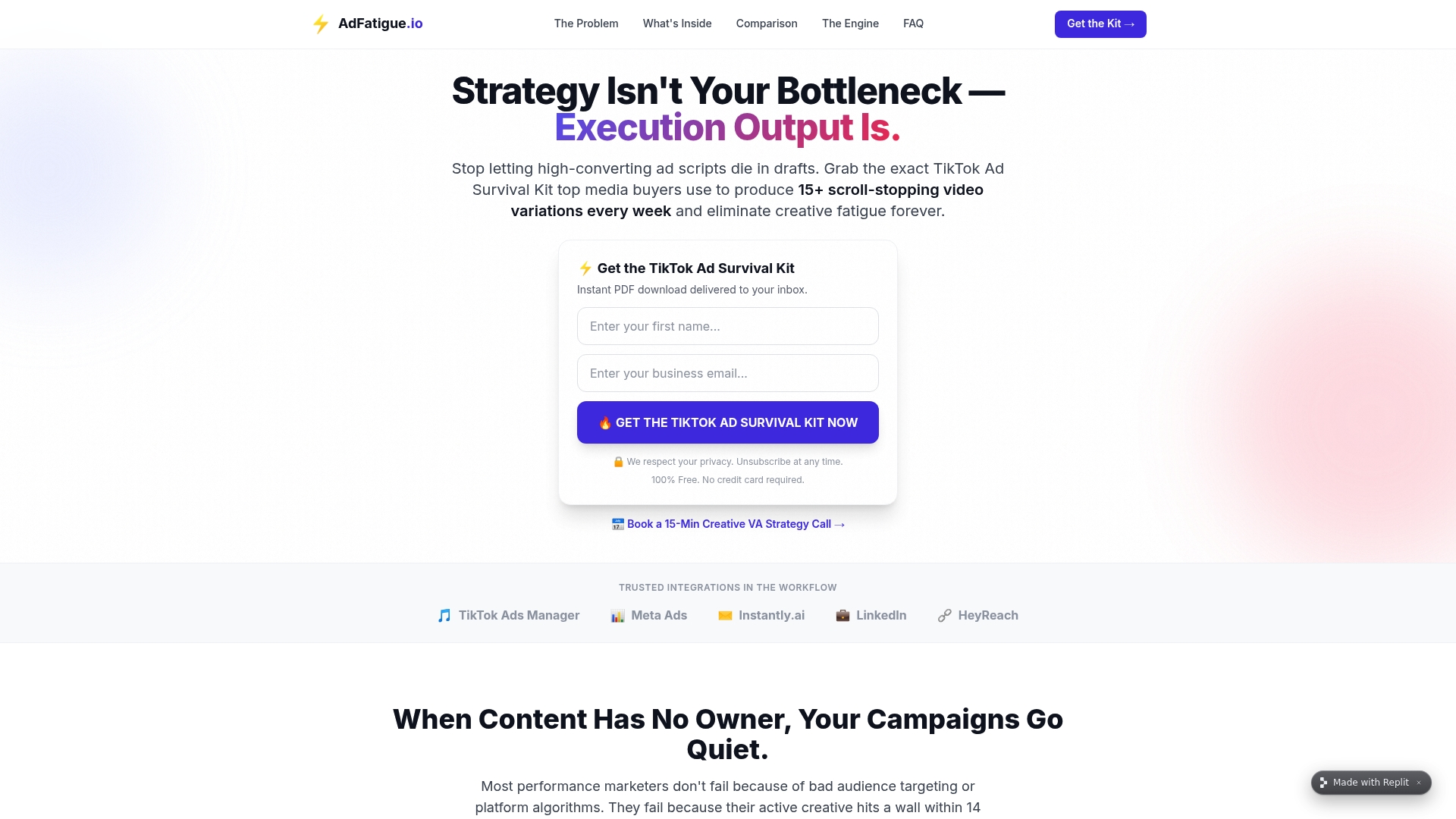
- Virtual assistants can handle ad variation production so your team is not stretched between creative and outreach.
- Integration with third-party platforms can allow outreach scaling and creative refresh to run from the same managed workflow.
See how this works for your outreach volume at Adfatigue.
FAQ
Does LinkedIn allow you to have multiple accounts?
LinkedIn's terms generally expect one account per real identity, so running multiple accounts for the same person carries policy risk. Agencies typically work around this by assigning one account per team member or per client persona rather than one person operating several accounts.
What is the 4-1-1 rule on LinkedIn?
The 4-1-1 rule is a content-sharing guideline suggesting four pieces of other people's content, one piece of your own soft-promotion content, and one piece of direct promotion for every six posts. It applies more to content strategy than to connection outreach, but it keeps a sender's activity looking varied and natural rather than purely sales-driven.
Why are people getting rid of LinkedIn accounts?
Accounts most often get restricted or removed after patterns that look automated: rapid connection requests, low acceptance rates, or shared logins across devices in short windows. Workspace isolation and conservative daily caps are the primary ways teams avoid triggering these reviews in the first place.
What does LinkedIn outreach mean?
LinkedIn outreach means sending connection requests and messages to prospects or contacts directly on the platform, typically as part of a sales, recruiting, or networking effort. When done across multiple accounts for an agency or team, it requires the kind of isolation and monitoring covered above to stay within platform norms.
Partner and Technical Resources Referenced
- How to Export LinkedIn Leads: Safe, CRM-Ready Methods
- Automated Outreach Process: A 2026 Guide for Marketers
- Manage Multiple LinkedIn Accounts (HeyReach)
- Manage Multiple LinkedIn Accounts (Expandi)
- TikTok Ad Fatigue: Stop Ad Fatigue in 4 Days