

Dynamic creative on Meta automatically assembles and tests combinations of your uploaded images, videos, headlines, and copy to surface higher-performing permutations for different users and placements. It's the right call when you already have a proven concept and want Meta's delivery system to find the best mix of assets inside it, not when you're still hunting for a winning idea. If your ad set has real budget and enough traffic to reach statistical clarity, dynamic creative earns its place in the account.
TL;DR:
- Dynamic creative is most effective when used with proven concepts and sufficient budget to generate meaningful variation data.
- Uploading only near-duplicate assets or too many combinations can dilute learning and obscure clear winners.
- Proper setup includes consistent naming, formatting, previewing placements, and matching landing pages to avoid wasting spend on irrelevant or mismatched variants.
- Element-level reports identify top-performing assets but require controlled testing and documentation to confirm a true winner.
- In-house content creation services can accelerate asset production, maintaining concept diversity and preventing fatigue in long-running campaigns.
Table of Contents
- What Is Dynamic Creative on Facebook and How Does It Work?
- When Should You Use Dynamic Creative Instead of Advantage+ or A/B Testing?
- How Do You Set Up Dynamic Creative in Ads Manager?
- How Many Creative Variants Should You Upload for Dynamic Creative?
- How Much Budget Does Dynamic Creative Need to Learn?
- How Do You Read Element-Level Reports and Confirm a Real Winner?
- What Are the Most Common Mistakes With Dynamic Creative?
- How Wing Assistant Fits Into a Dynamic Creative Testing Program
- The Discipline That Makes Dynamic Creative Actually Work
- Get Volume and Speed Without an Agency Retainer
- Sources
What Is Dynamic Creative on Facebook and How Does It Work?
Dynamic creative works by letting you upload a pool of creative components into a single ad unit instead of building one fixed ad. Meta's delivery system mixes and matches those pieces, tests the combinations against real audience segments, and shifts spend toward whichever permutations perform best for a given person and placement, according to Meta's own documentation.
The elements you can feed into that mix include:
- Images (up to several per ad)
- Videos
- Primary text (the copy above the creative)
- Headlines
- Descriptions
- Calls-to-action (Shop Now, Learn More, Sign Up, and similar)
- Destination URLs, in some setups
Meta doesn't show you every possible permutation's individual performance in granular detail. Instead, it reports at the element level, showing which specific image, headline, or text variant tends to show up in top-performing combinations across placements. That's useful for spotting patterns, but it's not the same as a controlled experiment with one variable changed at a time.
Eligibility varies. Dynamic creative isn't available for every campaign objective, and some ad formats and account configurations restrict which elements you can mix, per Meta's Business Help Center. Always check the toggle's availability before planning a launch around it, especially for newer objectives or accounts still building history.
When Should You Use Dynamic Creative Instead of Advantage+ or A/B Testing?
Dynamic creative solves a specific problem: which combination of assets, inside a concept you already believe in, converts best. It doesn't solve the problem of which concept to run in the first place. That distinction trips up more advertisers than any technical setup mistake.
Use dynamic creative when:
- You have a validated creative concept (a UGC testimonial, a product demo, a specific hook) and want to optimize the supporting elements around it
- You have multiple headline or CTA variants and no strong hypothesis about which wins
- You're running enough budget and audience volume to feed several combinations without starving any one of them
Advantage+ Creative is a better fit when you want Meta's automated enhancements, like format adaptation, image cropping, or text overlays applied on top of existing assets, rather than testing which of your own uploaded assets performs best. Flexible Format similarly leans on automation to reshape one asset across placements rather than testing distinct creative inputs against each other.
Manual A/B testing still wins when you need clean, defensible attribution, such as proving one full concept beats another for a board presentation or a client report. Dynamic creative blends variables together in ways that make isolating a single cause difficult.
Pro Tip: If you can't articulate what specific question you're trying to answer with a test, dynamic creative will just generate noise. Write the question down first: "Does the founder-led hook outperform the customer-testimonial hook?" That's a manual A/B test. "Which of these five headlines works best with my winning video?" That's dynamic creative.
How Do You Set Up Dynamic Creative in Ads Manager?
The toggle for dynamic creative sits inside the ad set level when you're building or editing a campaign. Meta requires certain objectives to support it, so confirm eligibility before you build out your asset library, per Meta's setup guidance.
- Choose a supported campaign objective (most awareness and conversion objectives qualify, but check current availability first).
- At the ad set level, switch on the dynamic creative toggle.
- Build your ad, then upload each asset type separately into its own slot, images, videos, primary text variants, headlines, descriptions, and CTAs, rather than combining them into a single fixed creative.
- Use Meta's preview tool to check how different combinations render before launch. This catches broken pairings, like a headline that contradicts a video's message.
- Confirm landing pages match every creative angle you've uploaded, then publish.
Batch uploads run smoother when your files follow a consistent standard. Stick to a naming convention that encodes the concept, asset type, and version, something like ugc_testimonial_v2_1x1.mp4, so you can trace performance back to source files without opening every asset.
A few technical habits that save headaches later:
- Export video in both 1:1 and 9:16 aspect ratios at minimum, since placements differ across Feed, Stories, and Reels
- Keep a master folder structure by campaign, then by concept, then by asset type
- Run a brand and legal check on every text variant before upload, not just the "hero" version
- Preview combinations on mobile specifically, since text overlays and CTAs can misalign on smaller screens
Building this structure once and reusing it for every new campaign is what makes dynamic creative a repeatable process instead of a one-off experiment.
How Many Creative Variants Should You Upload for Dynamic Creative?
More assets don't automatically mean better results. Every additional image, headline, or CTA multiplies the number of possible combinations, and Meta needs enough budget behind each one to learn anything useful. Practitioners generally recommend distinct creative concepts, not cosmetic tweaks, as the input for dynamic creative testing, according to a full guide on Meta dynamic creative optimization.
The mistake is uploading five images that are all the same product shot with slightly different cropping, then wondering why the reporting shows no clear winner. That's not a signal problem. That's five near-identical inputs producing five near-identical results.
Build variants around a few core rules:
- A few distinct visual concepts (avoiding multiple crops of one photo)
- Several headline angles testing different value propositions rather than just word order
- Several primary text variants, each aimed at a different reader motivation (price, speed, social proof)
- A limited number of CTA options, as CTAs seldom cause large performance differences
Pro Tip: Treat each creative input as a hypothesis, not a filler slot. If you can't explain what question a given image or headline answers, cut it. A five-asset test with five clear hypotheses beats a twelve-asset test with none.
Naming and metadata matter here more than people expect. Tag each asset with its concept name in the file itself, and keep a running spreadsheet mapping asset IDs to concepts. When element-level reports come back weeks later, you want to know instantly whether "Image_04" was the founder shot or the unboxing clip.
Placement-specific formatting deserves its own pass. Text overlays that read fine in Feed can overlap navigation elements in Stories or Reels, and color contrast that works on a light background can wash out on video. Google's rich media design guidance on dependent elements and readability applies just as directly to Meta's dynamic creative combinations, since the same asset gets recombined across very different visual contexts. Preview every combination on the actual placement it will run in, not just in the Ads Manager thumbnail.
How Much Budget Does Dynamic Creative Need to Learn?
Every combination you add fragments your learning budget. An ad set with three images, three headlines, and two CTAs isn't testing eight assets, it's testing eighteen possible permutations, and Meta has to spread spend, and data, across all of them before confident winners emerge.
That's the single biggest reason dynamic creative disappoints advertisers who load in every asset they own. Agencies and practitioners consistently advise keeping combination counts in a manageable range so each variation gets enough exposure to produce a usable signal, per operational best-practice guidance on dynamic creative.
Rough guardrails worth following:
- Fewer combinations, more budget per combination, beats more combinations spread thin
- Give the ad set enough runway to exit Meta's learning phase before making judgments. Pulling a test after a day or two of live spend almost never produces a reliable read
- If your audience is small or your budget is limited, cut the asset count first rather than stretching a thin budget across a large combination matrix
- Watch for delivery concentrating heavily on one or two combinations early. That's often Meta signaling a clear winner before the full budget cycle completes
Statistic Callout: Meta's own advertiser has flagged that feature availability and testing behavior for dynamic creative can vary by objective and account, which means the "right" combination count for one campaign type won't always transfer cleanly to another. Treat every new objective as its own calibration, not a copy-paste of last quarter's setup.
Small audiences deserve extra caution. If your total addressable audience is in the low thousands, a large combination matrix will likely never accumulate enough events per variant to mean anything. Cut down to two or three high-conviction concepts instead of spreading a niche audience across a dozen permutations.
How Do You Read Element-Level Reports and Confirm a Real Winner?
Element-level reporting tells you which image, headline, or text variant shows up disproportionately in strong-performing combinations. It doesn't hand you a validated, standalone winner. Turning that signal into a confirmed creative decision takes a few deliberate steps.
- Pull cost-per-acquisition, ROAS, click-through rate, and video retention by individual asset, not just by ad set total.
- Look for patterns that hold across multiple days and multiple placements, not a single strong day that might be noise or an audience quirk.
- Reconstruct the apparent winning combination as its own fixed ad, pairing the top-performing image with the top-performing headline and text.
- Run that fixed ad in a controlled A/B test against your previous best-performing creative to confirm the lift is real and not an artifact of the algorithm's own delivery bias.
- Document the result, including the specific asset names, the metrics that confirmed it, and the date range tested, before handing it off to whoever builds your next batch of creative.
Jon Loomer's guide to dynamic creative in Ads Manager makes a point worth repeating: element-level data is a discovery tool that should feed directly into isolation testing, not a final verdict on its own. Skipping that reconstruction step is how advertisers end up scaling a "winning" headline that only worked in combination with one specific video, and quietly underperforms once separated from it.
Documentation matters more than most teams give it credit for. A shared log connecting asset names to concepts, test dates, and outcomes turns every dynamic creative test into reusable intelligence for the next campaign, instead of a one-time insight that gets lost when the person who ran the test moves to a different account.
What Are the Most Common Mistakes With Dynamic Creative?
The most expensive mistake is uploading too many near-identical assets and calling it a test. Five slightly different crops of the same product photo don't give Meta's system five real hypotheses to evaluate, and the resulting report will look inconclusive because it effectively is.
A second recurring problem: leaving Advantage+ automated enhancements switched on at the same time as a dynamic creative test. Automated cropping, text overlay placement, and format adjustments can shift performance independently of the actual creative elements you're testing, which muddies your ability to credit any single asset for a result. Practitioners recommend separating concept-level automation from element-level testing so you know exactly what's driving the numbers, per practical dynamic creative optimization guidance.
Landing page mismatch is the quiet budget killer. If one headline promises a discount and the linked page doesn't reflect it, or a video demos a feature the current site doesn't show, you'll see soft conversion numbers that have nothing to do with creative quality.
Pro Tip: Before every launch, click through from each creative variant to its landing page exactly as a user would. It takes five minutes and catches the mismatches that quietly tank conversion rate for days before anyone notices.
Pulling a test too early rounds out the list. Judging combinations after a day or two of spend, before the algorithm has exited its learning phase, produces conclusions that often reverse once the full sample arrives.
How Wing Assistant Fits Into a Dynamic Creative Testing Program
Dynamic creative only works as well as the assets feeding it, and most in-house teams run out of fresh footage long before Meta runs out of appetite for new combinations. Jamesyee built its virtual assistant service around exactly that gap: dedicated VAs take a single piece of raw video and turn it into multiple distinct ad variations, giving your dynamic creative ad sets real concept diversity instead of five crops of the same clip.

Turnaround typically runs 24 to 48 hours, a fraction of what a traditional agency cycle takes. That frees a strategist to focus on which concepts to test next, rather than spending hours in an editing timeline.
A managed service like this makes the most sense once you've validated a concept and need volume fast. In-house production still has its place for early-stage concept development.
The Discipline That Makes Dynamic Creative Actually Work
Dynamic creative rewards restraint, not volume. Most advertisers treat it as a dumping ground for every asset they have on hand, then wonder why the reporting comes back muddy. Before flipping the toggle, confirm three things: you have a validated concept already working, your combination count stays small enough for the budget behind it, and you know exactly what question each variant is meant to answer.
Refresh assets on a set cadence, roughly every few weeks for high-spend accounts, rather than waiting for performance to visibly decay. And validate every apparent winner with a fixed A/B test before you scale it. Naming conventions and a shared documentation habit aren't busywork. They're the difference between a test that teaches your next campaign something and one that just burns budget and gets forgotten by next quarter.
— James
Get Volume and Speed Without an Agency Retainer
Feeding a dynamic creative test with real concept variety, week after week, is the part most in-house teams can't sustain. Jamesyee exists for that exact gap: dedicated virtual assistants take your raw footage and turn it into multiple distinct ad variations in 24 to 48 hours, so your combination matrix has genuine concepts to test instead of the same clip cropped five ways.
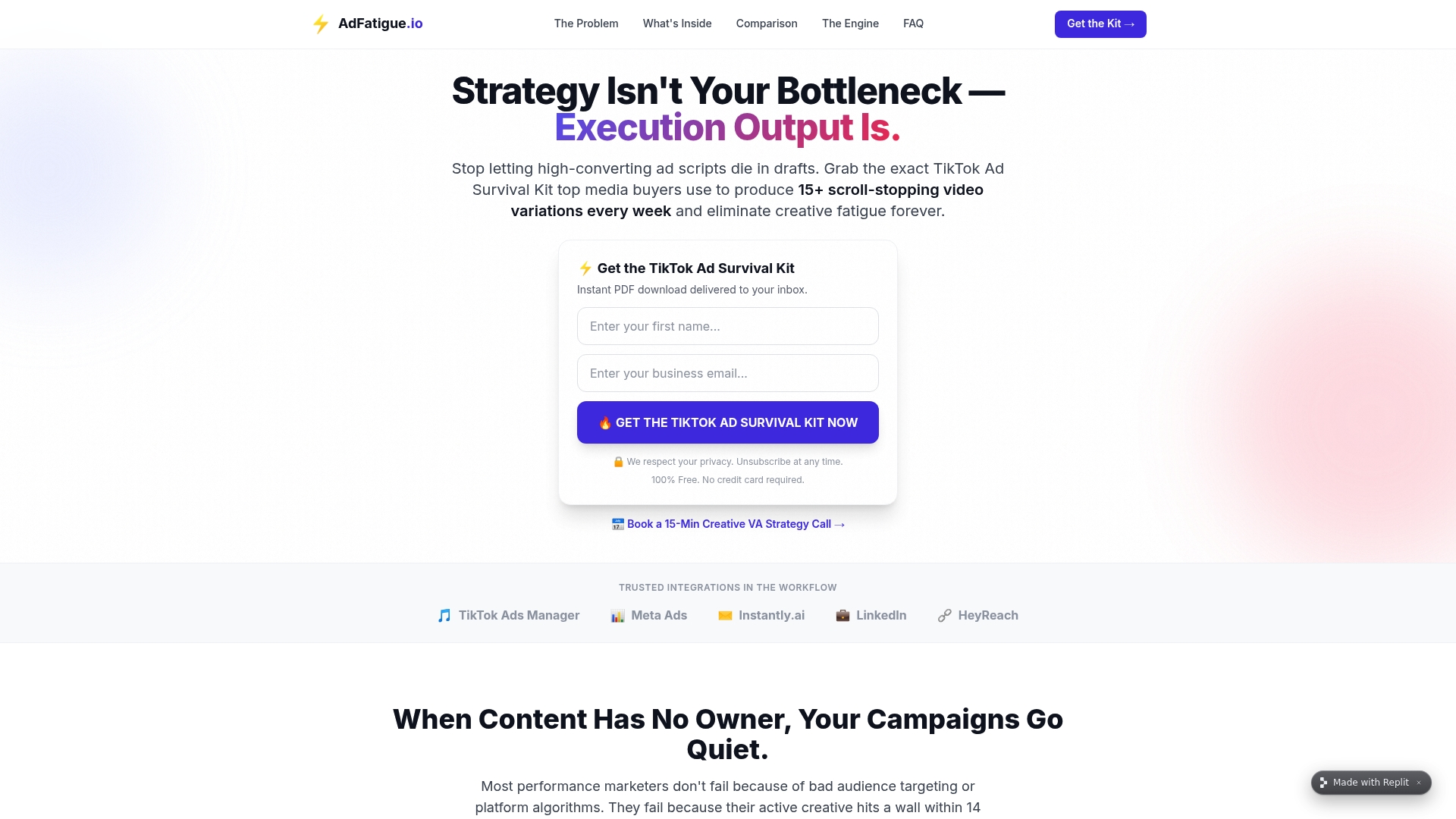
If ad fatigue is the reason your dynamic creative reports keep going flat, the TikTok Ad Fatigue program is built to fix that directly, delivering fifteen or more fresh hooks a week so your testing pool never runs dry. Check the landing page to see what a batch delivery looks like and what turnaround to expect for your first order.
Sources
The claims in this guide lean on Meta's own documentation first, then a handful of practitioner guides that fill in the operational detail Meta doesn't spell out.
- Dynamic Creative Optimization Meta Ads — Full Guide 2026 | Wevion
- How to Use Dynamic Creative on Facebook and Instagram | Space Ads Knowledge base